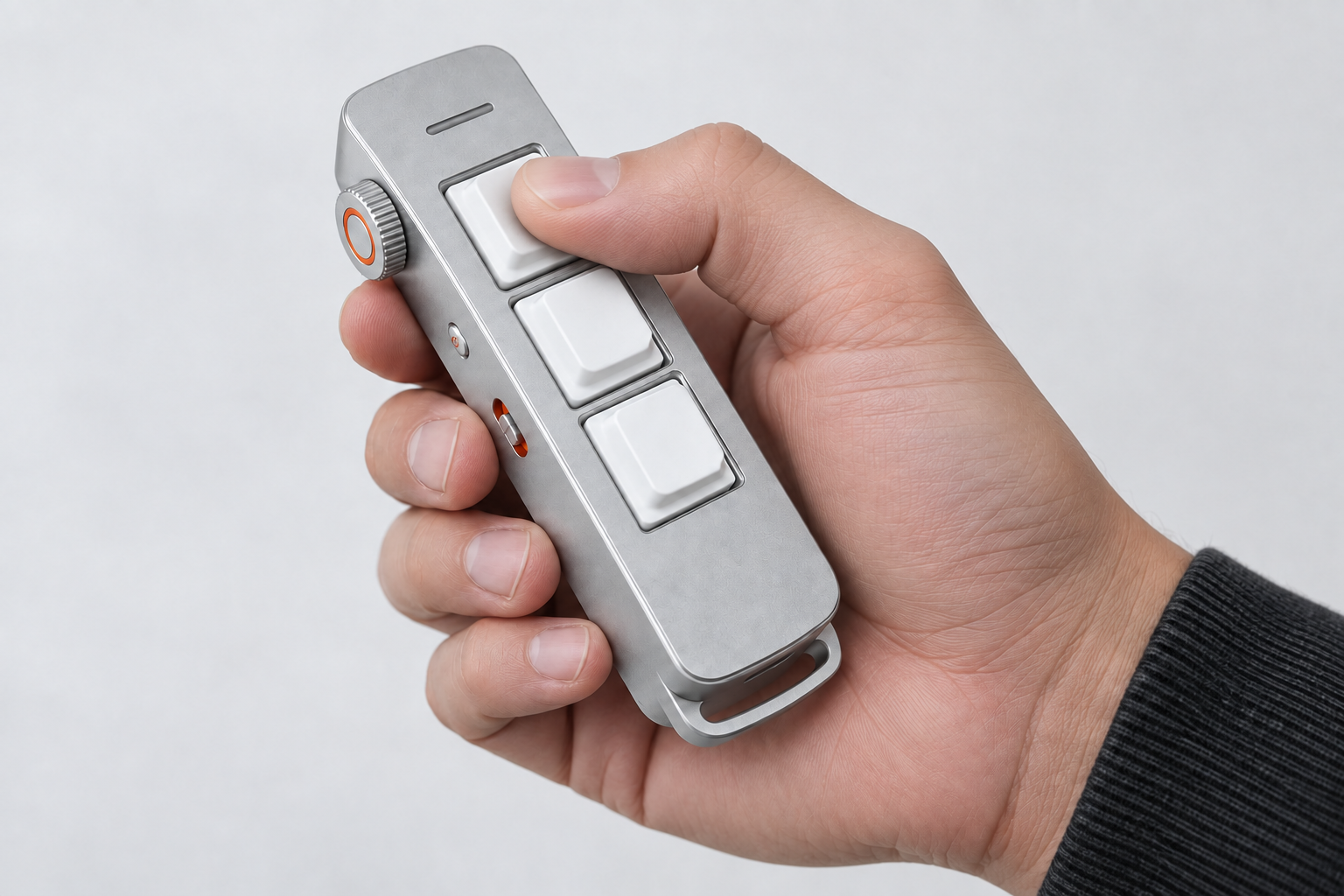
VOICE INPUT
Press. Speak. Keep going.
Press the first key with your thumb to start voice input.
Move to turn · Drag to spin
Get the latest on Inpler and our Kickstarter launch.
Speak softly. Turn your thoughts into text through compatible voice software, without breaking your flow.
One press for the actions you use most. Spend less time finding buttons and remembering shortcuts.
Tell Inpler how you want your keys to work. Stevo switches to the matching preset when you change apps.
Show your Agent a workflow, give it a name, and call it up again. Learning and replay are in development.
Press the first key with your thumb to start voice input.
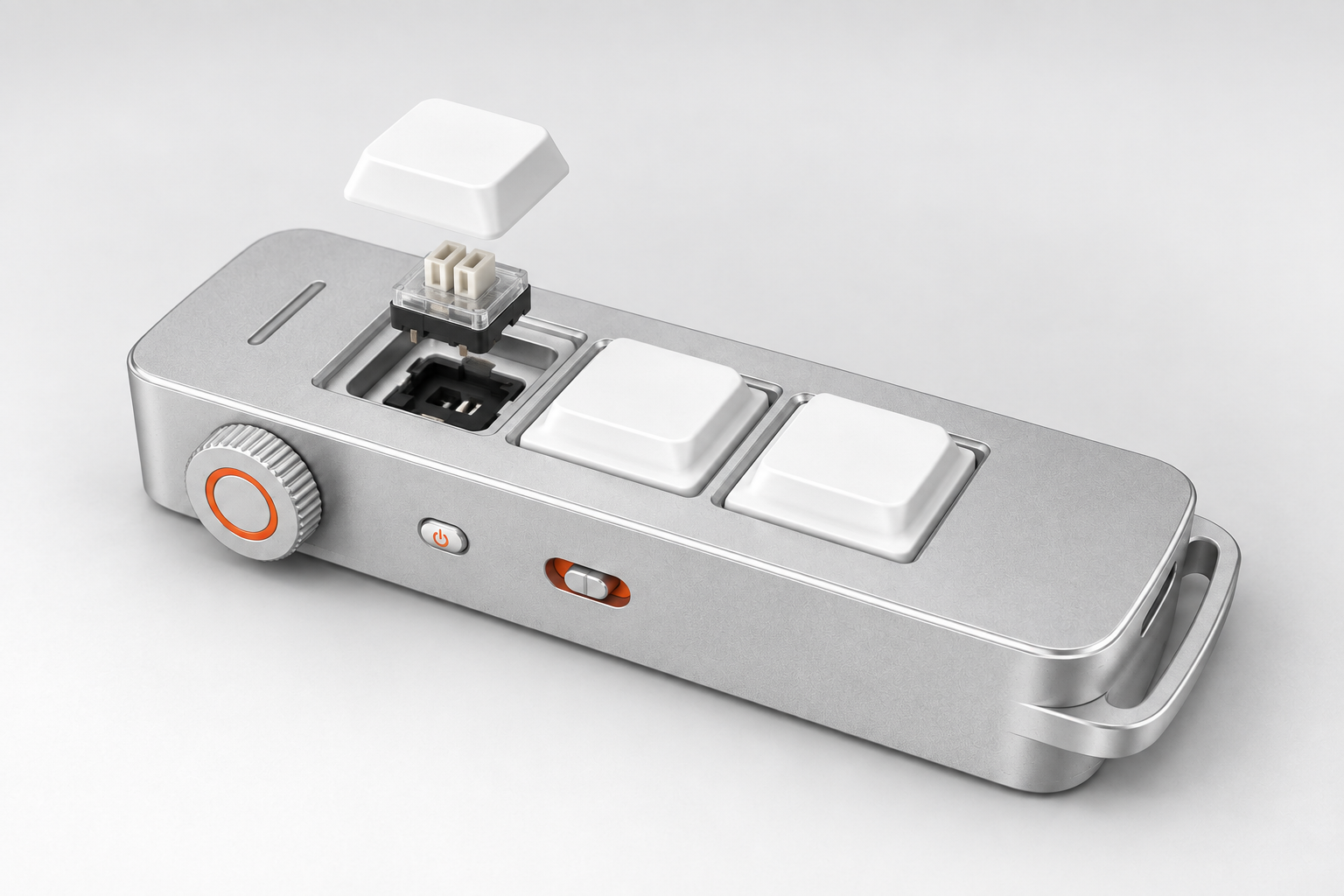
A crisp, satisfying feel with every press.
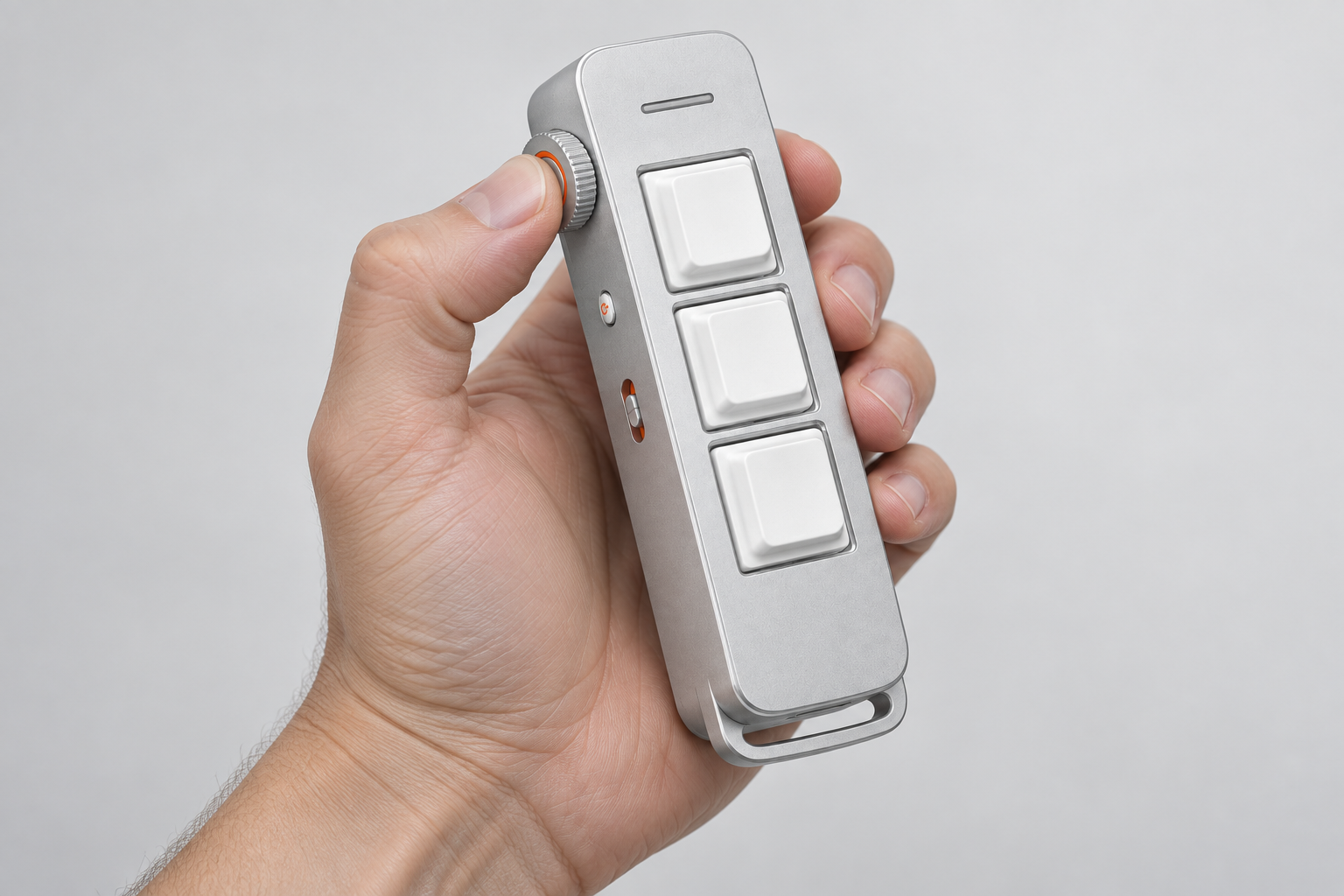
Press the side wheel to call your agent without changing your grip.
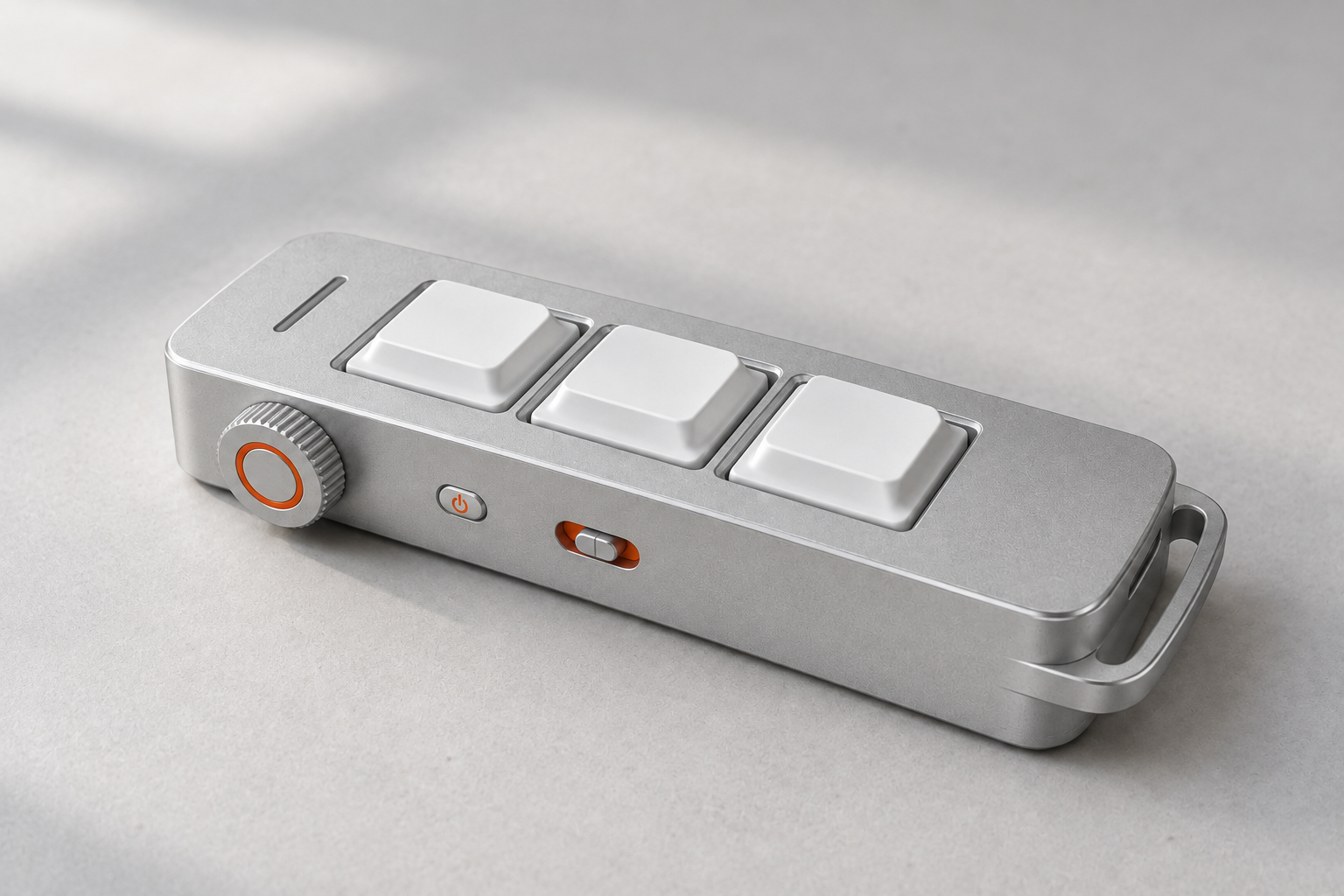
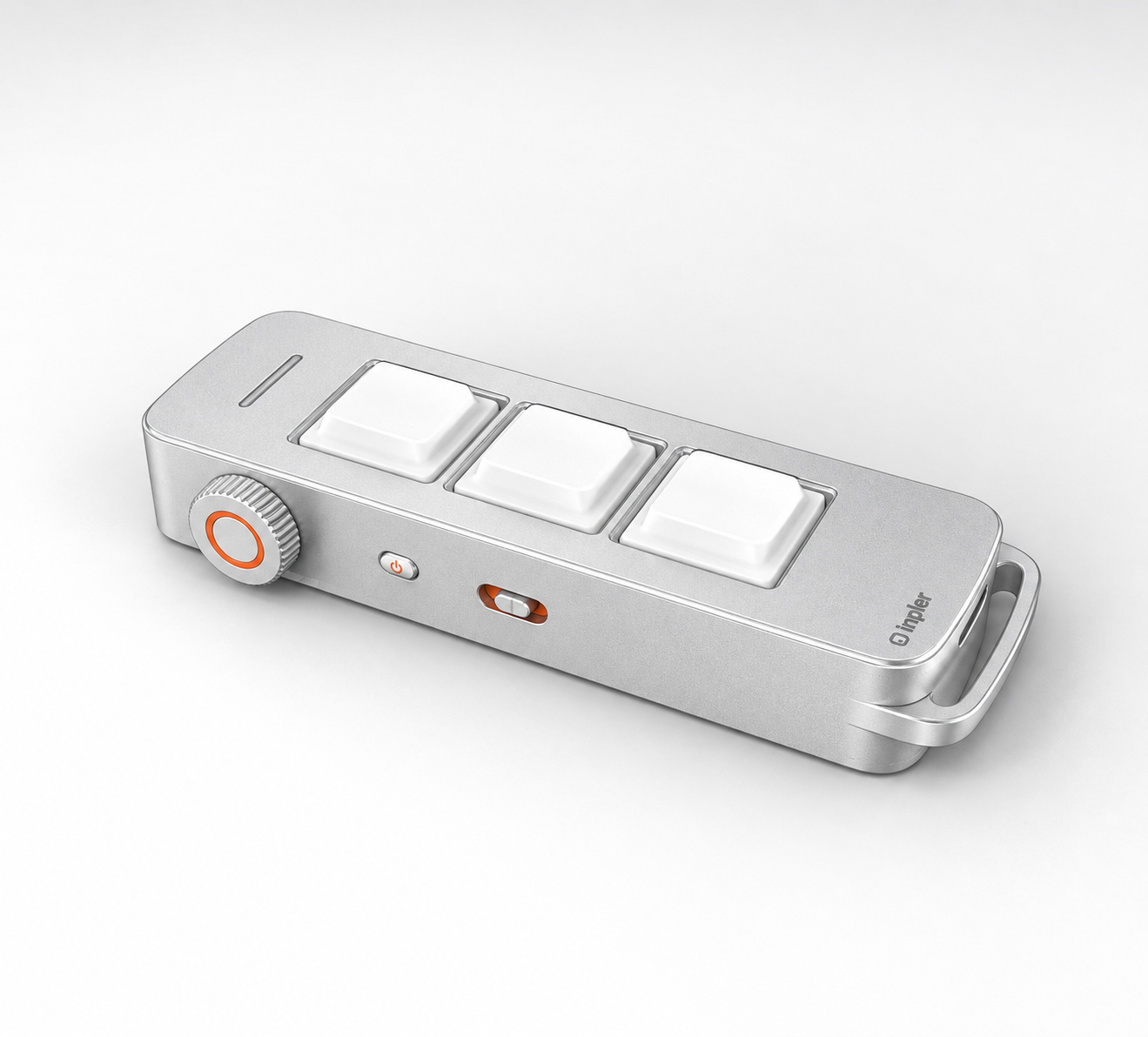
Keep Inpler beside your keyboard, with voice input and shortcuts within reach.
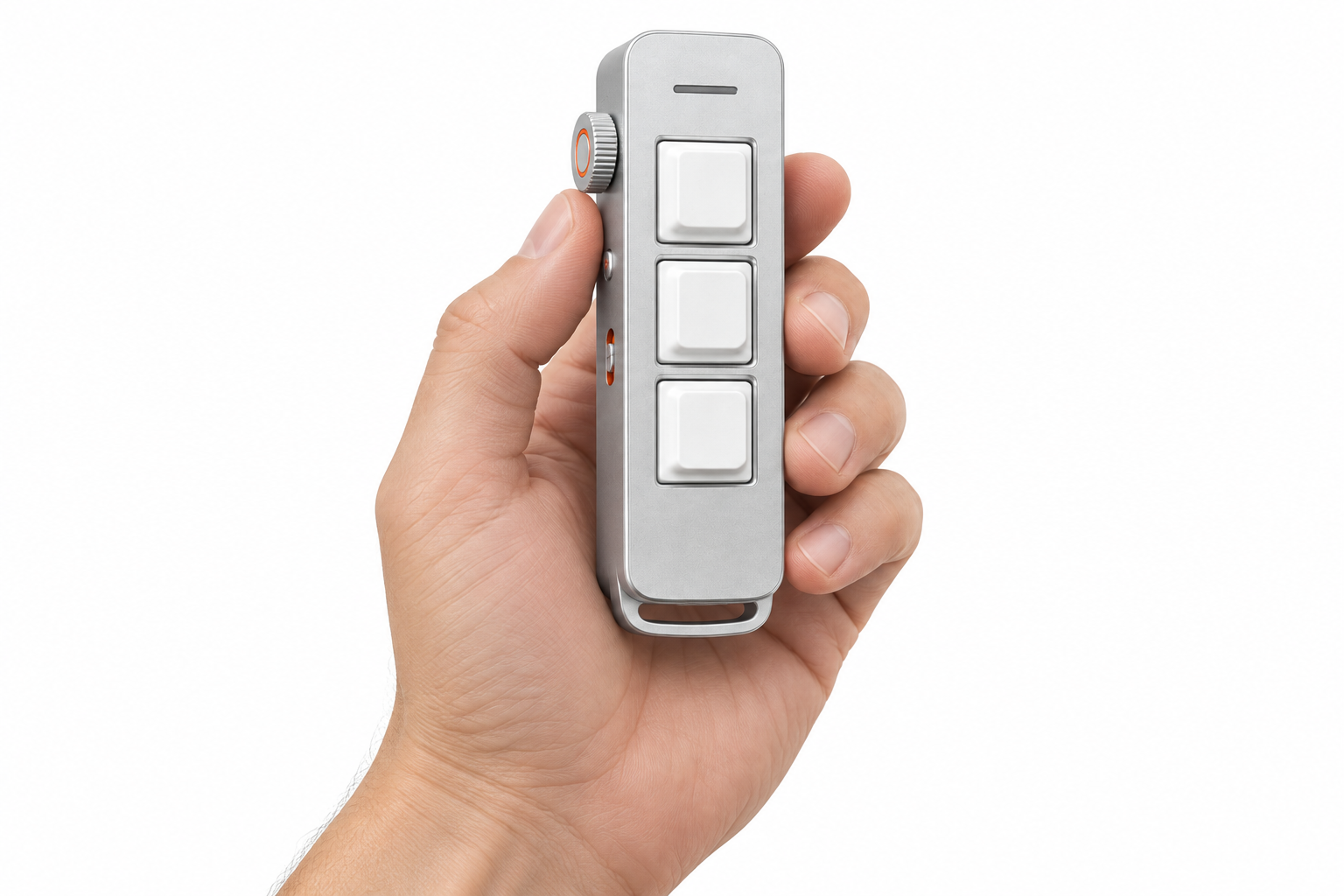
A rounded body keeps the keys and side controls close at hand.
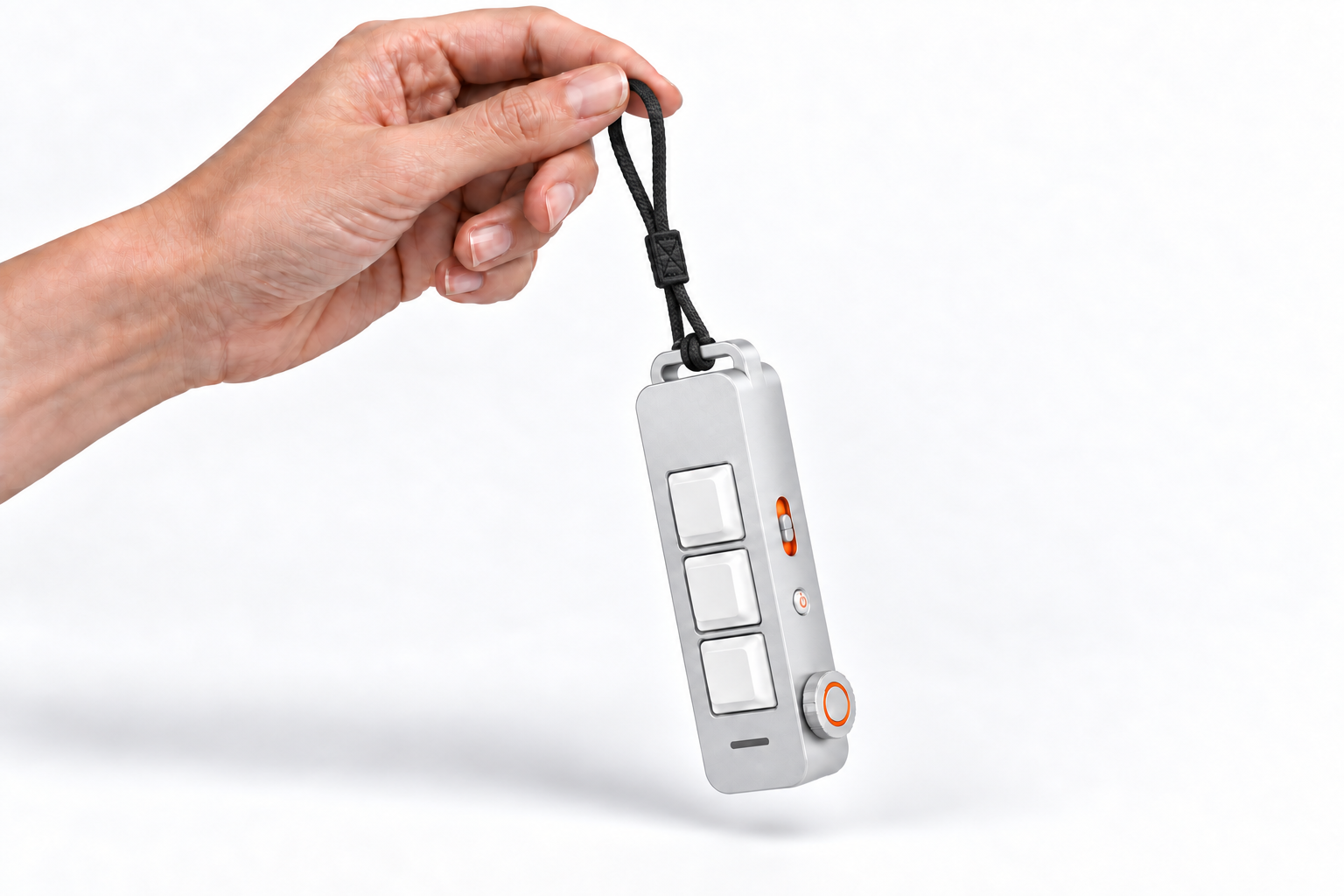
A wrist strap threads through the integrated loop for easy carrying.
Stevo is Inpler’s intelligent Agent. It understands your desktop context and makes working with AI feel more natural.
Change a key with a simple request.
Tell Stevo what you want a key to do. Describe the shortcut in your own words and update your mapping without digging through settings.
Voice remapping · Stevo modeYour mappings follow the app you use.
Stevo recognizes the app you’re working in and switches to its matching key preset. Your familiar three keys stay close; their actions change with your workspace.
App awareness · Stevo modePress the side wheel to call your Agent.
Click the side wheel to call Stevo, then say what you need. Ask a question or bring a task into your current workspace.
Single click · Stevo modeHold the wheel to collaborate on screen.
Hold the side wheel to activate the on-screen selection cursor. Point to or circle the content you want to work on, then tell Stevo what you want to do with it.
Press and hold · Stevo modeDouble-click to start Learning Mode.
Double-click the side wheel to start recording a workflow. Demonstrate the steps, then save the routine for future use. Supported actions and replay reliability are still in development.
Double click · Stevo modeThree keys and a wheel. Click them on the device.
Here's a plan for Thursday:
Suggested agenda, 30 minutes:
Want me to draft the message to Sam asking for the deck?
"Hi Sam — looking forward to Thursday. Could you send the latest deck and the budget line by Wednesday so we can come prepared? Thanks."
Say the word and I'll send it, or tell me what to change.
Hi —
Can we move the sync to Thursday at 10? I'll have the deck done by Wednesday night, but I'd like an hour to clean up the budget slide first.
Also, should I loop Julia in for the marketing section, or do you want to keep it small for now?
— Sam
12export async function GET(req: Request) {
13  const user = await getUser(req)
14  const plan = user.subscription.plan
15  return Response.json({ plan })
16}
Every profession has its own rhythm. Exploring how people move between ideas, tools, and decisions helps us shape Inpler around their work.
Exploring code reviews and ticket updates with developers, we mapped where a voice note could keep work moving.
ILLUSTRATIVE RESEARCHFollowing market screens, calls, and trade notes, we explored ways to capture context without interrupting a busy session.
ILLUSTRATIVE RESEARCHWalking through spreadsheets and reporting with finance teams, we explored shortcuts from a number to its explanation.
ILLUSTRATIVE RESEARCHTracing contract reviews with legal teams, we explored how voice notes could keep comments close to the document.
ILLUSTRATIVE RESEARCHWorking through briefs and campaign planning, we explored how feedback travels from a conversation into the next draft.
ILLUSTRATIVE RESEARCHMapping calls, follow-ups, and CRM updates with sales teams, we explored ways to capture details while they are fresh.
ILLUSTRATIVE RESEARCHIllustrative research scenarios · Placeholder copy and imagery.
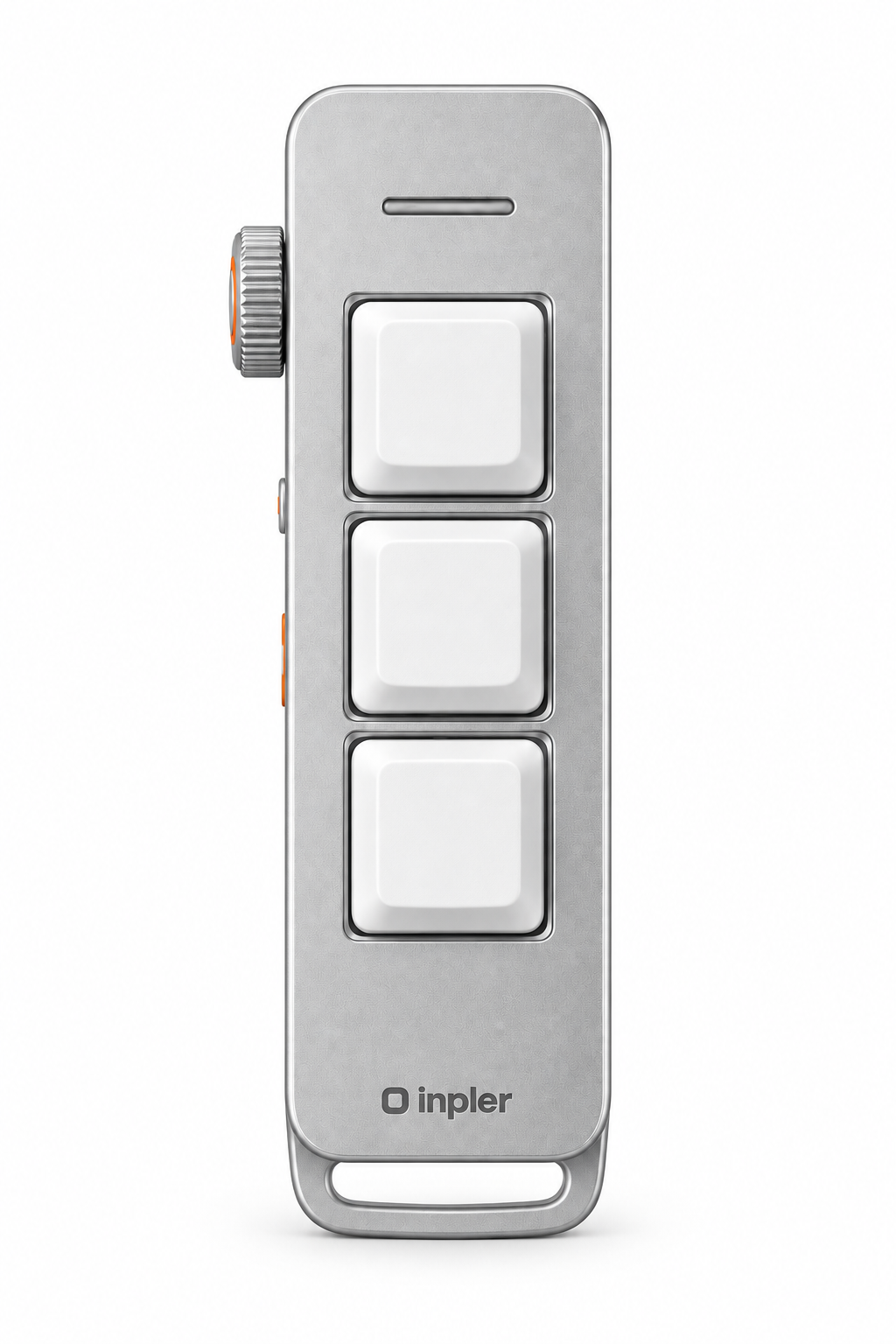
Inpler
Get the latest on Inpler and our Kickstarter launch.
Normal mode is free forever. Choose Stevo or Stevo Pro for optional AI workflows, with no subscription required to use your device.
Your everyday keys, ready to use in Normal mode. No subscription required.
The keys start reading the room. Same three keys, different action in every app.
For people who live in it. Not more of the same — different things.
Stevo subscription prices may change before launch. Normal mode stays free.
From the desk to the feed.
A physical shortcut for the things I repeat all day. Set it once, keep the flow.
One key for a quick reply. One for paste. One less reason to reach for the mouse.
The best shortcut is the one you don’t have to remember.
A workflow worth exploring: show your agent a routine, give it a name, then call it back with a press.
Capture a thought while reviewing a layout, then bring it back when the next draft is ready.
Keep an observation close to its source, without breaking the conversation to type it out.
Turn the end of a meeting into a short list of next steps, ready for a human review.
Say the rough idea first. Shape the wording when you are ready to edit.
Sample profiles and edited avatars. Image credits